iblai-vibe-agent-chat-sidebarlisted
Install: claude install-skill iblai/vibe
# /iblai-vibe-agent-chat-sidebar
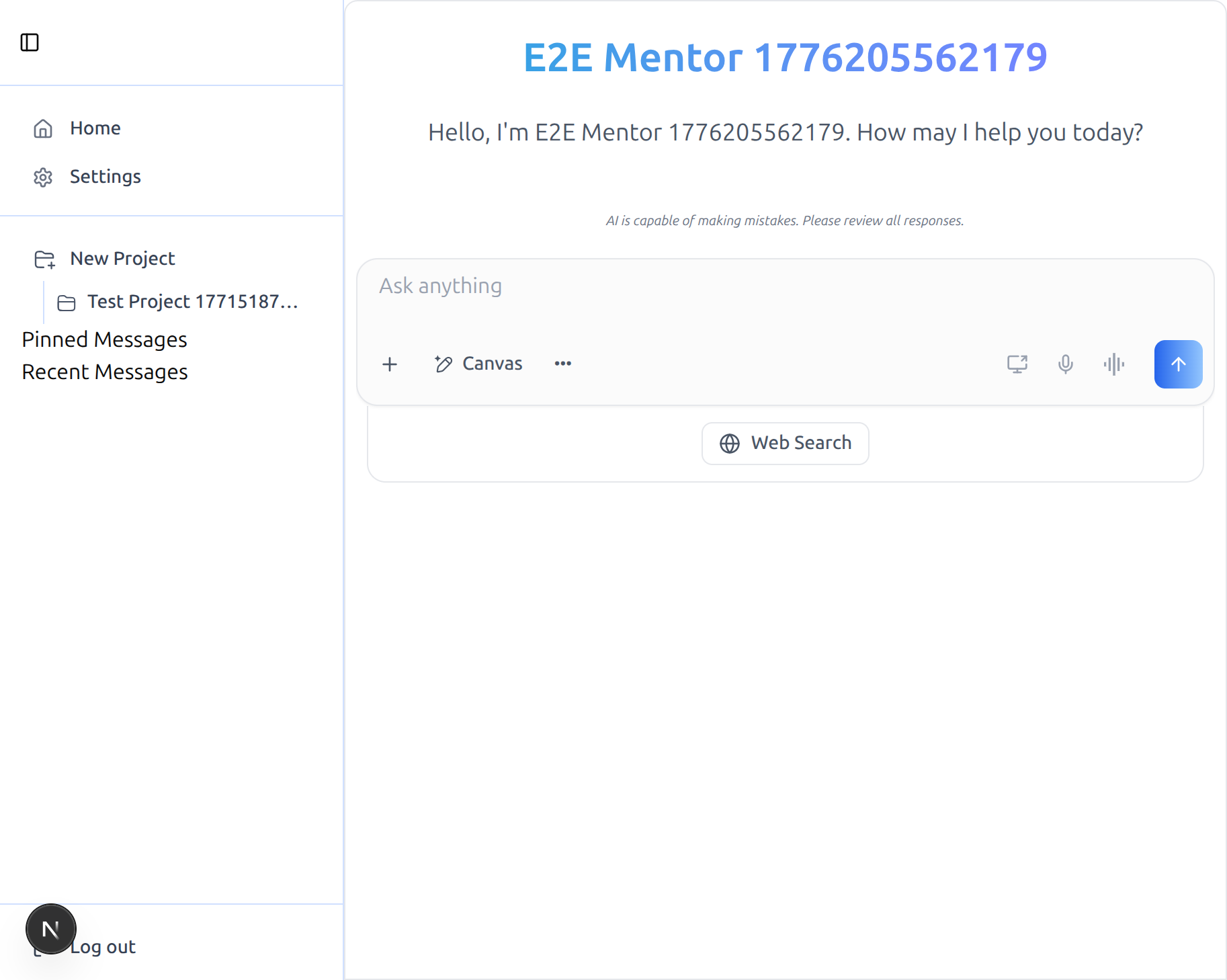
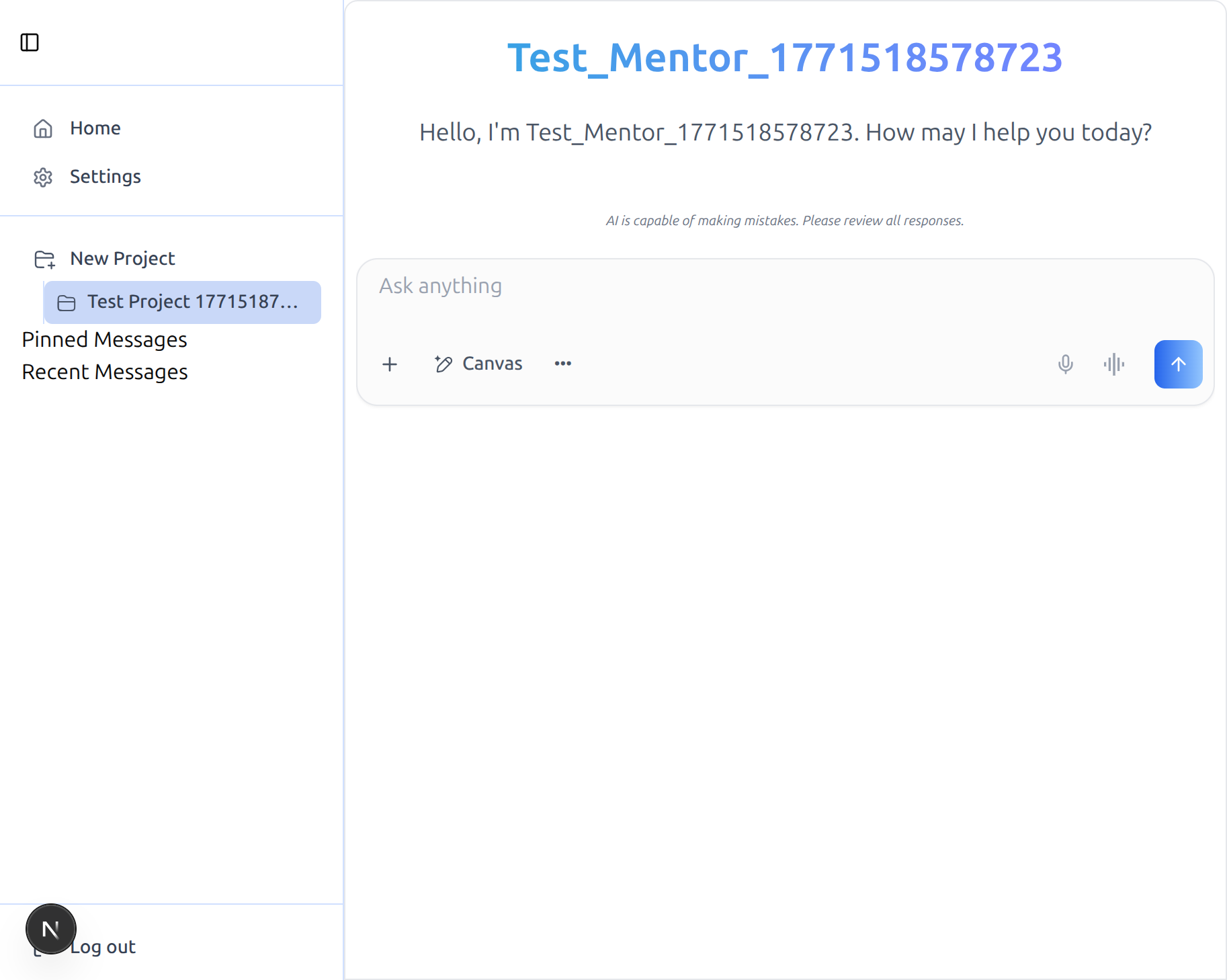
Add the SDK's `AppSidebar` next to the `Chat` component to get the full
ibl.ai shell: a **Projects** dropdown (list, create, rename, delete,
navigate), **Pinned Messages**, **Recent Messages**, host-defined content
items (top of sidebar) and footer items (bottom). The sidebar is fully
host-themable through shadcn's `SidebarProvider` and works on top of the
`/iblai-vibe-agent-chat` route wiring.
> **Builds on top of `/iblai-vibe-agent-chat`.** This skill assumes the host
> already has `<Chat>` rendering correctly — same providers, same store
> slices, same peer deps. If you haven't done that yet, run
> `/iblai-vibe-agent-chat` first.
Do NOT add custom styles, colors, or CSS overrides to the SDK
`AppSidebar`. It ships with its own styling. Keep the component as-is.
Do NOT implement dark mode unless the user explicitly asks for it.
> **Common setup (brand, conventions, env files, verification):** see
> [docs/skill-setup.md](https://raw.githubusercontent.com/iblai/vibe/refs/heads/main/docs/skill-setup.md).
## Prerequisites
- `/iblai-vibe-agent-chat` must be working — the `Chat` component renders at
`/agents/<ment