iblai-vibe-invitelisted
Install: claude install-skill iblai/vibe
# /iblai-vibe-invite
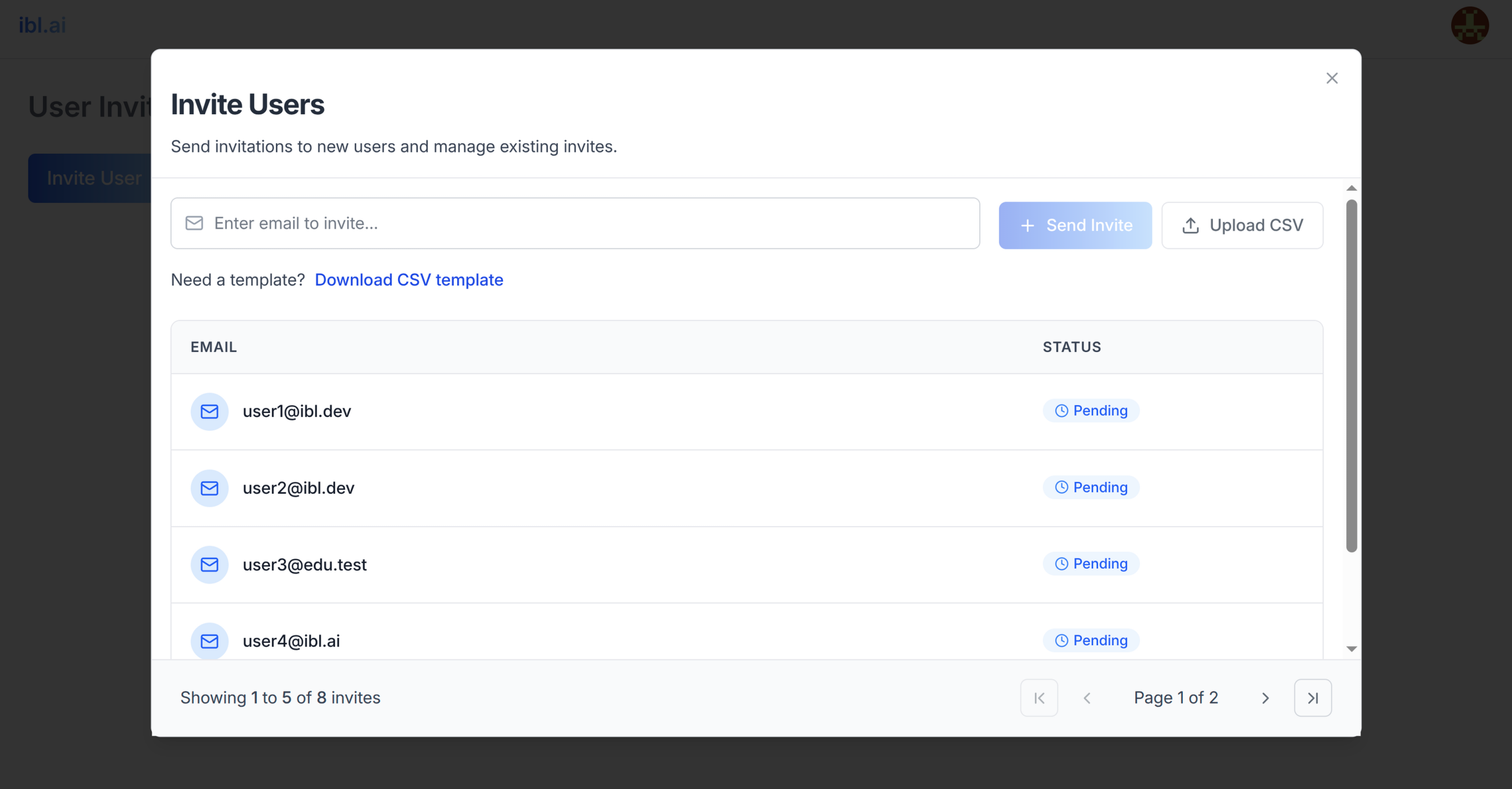
Add user invitation features -- a dialog to invite new users to a platform by
email/username and a dialog showing pending invitations with status tracking.
Do NOT add custom styles, colors, or CSS overrides to ibl.ai SDK components.
They ship with their own styling. Keep the components as-is.
Do NOT implement dark mode unless the user explicitly asks for it.
When building custom UI around SDK components, use the ibl.ai brand:
- **Primary**: `#0058cc`, **Gradient**: `linear-gradient(135deg, #00b0ef, #0058cc)`
- **Button**: `bg-gradient-to-r from-[#2563EB] to-[#93C5FD] text-white`
- **Font**: System sans-serif stack, **Style**: shadcn/ui new-york variant
- Follow the component hierarchy: use ibl.ai SDK components
(`@iblai/iblai-js`) first, then shadcn/ui for everything else
(`npx shadcn@latest add <component>`). Do NOT write custom components
when an ibl.ai or shadcn equivalent exists. Both share the same
Tailwind theme and render in ibl.ai brand colors automatically.
- Follow [BRAND.md](https://raw.githubusercontent.com/iblai/vibe/refs/heads/main/BRAND.md) for
colors, typography, spacing, and component styles.
You MUST run `/iblai-vibe-ops-test` before telling the user the work is ready.
After all work is complete, start a dev server (`pnpm dev`) so the user
can see the result at http://localhost:3000.
`iblai.env` is