iblai-vibe-notificationlisted
Install: claude install-skill iblai/vibe
# /iblai-vibe-notification
Add notification features -- a compact bell icon with unread badge for your
navbar and a full notification center page with Inbox and Alerts tabs.
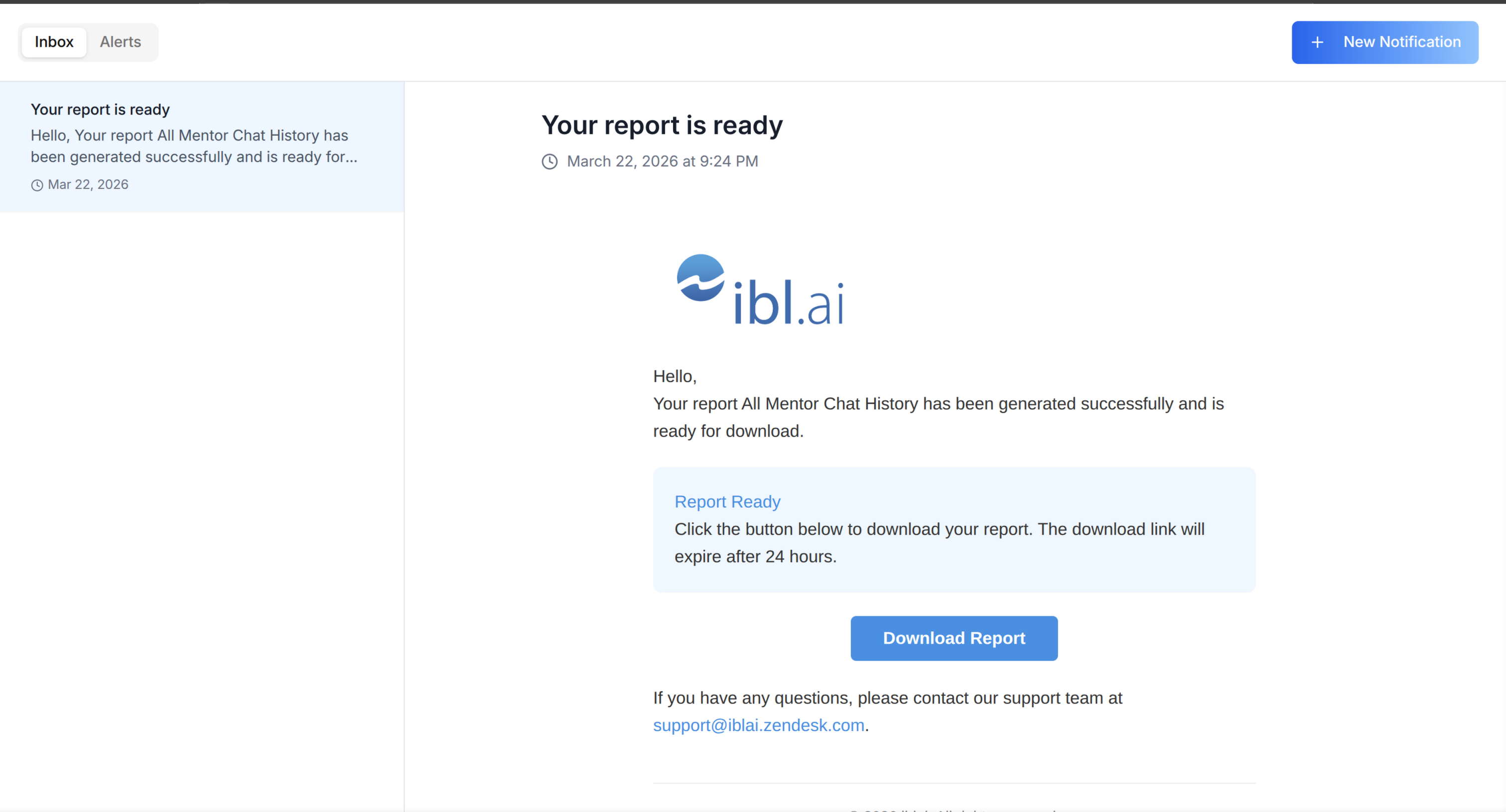
> **Template:** the bell this skill creates is bundled as
> [`assets/notification-bell.tsx.j2`](assets/notification-bell.tsx.j2). See
> [`/iblai-vibe-scaffold`](../iblai-vibe-scaffold/SKILL.md) for the `{{ }}` contract.
Do NOT add custom styles to ibl.ai SDK components — they ship with their
own styling. Do NOT implement dark mode unless asked.
Follow the component hierarchy: use ibl.ai SDK components
(`@iblai/iblai-js`) first, then shadcn/ui (`npx shadcn@latest add <name>`).
> **Navbar:** If the user wants a navbar with the bell, send them to
> `/iblai-vibe-navbar` first.
## Step 0: Start from vibe-starter? (new projects)
Before running this skill, ask the user:
> Are you starting a new project from scratch? vibe-starter
> (https://github.com/iblai/vibe-starter/tree/spa) already ships the
> notification bell and /notifications page wired up, alongside auth, navbar,
> and profile/account. Want to use that instead?
If yes, clone into a temp directory and copy into the current directory before
installing (running pnpm install inside the cloned subdirectory causes hardlink
issues), then skip this skill:
git clone -b spa https://github.com/iblai/vibe-starter.