html-marklisted
Install: claude install-skill xuxinmaxen/html-mark
# HTML Mark — click-to-annotate overlay
## Demo
**Activate** — a dark glass pill in the top-right corner. Click it or press `M`, then click anywhere on the page to start dropping pins.
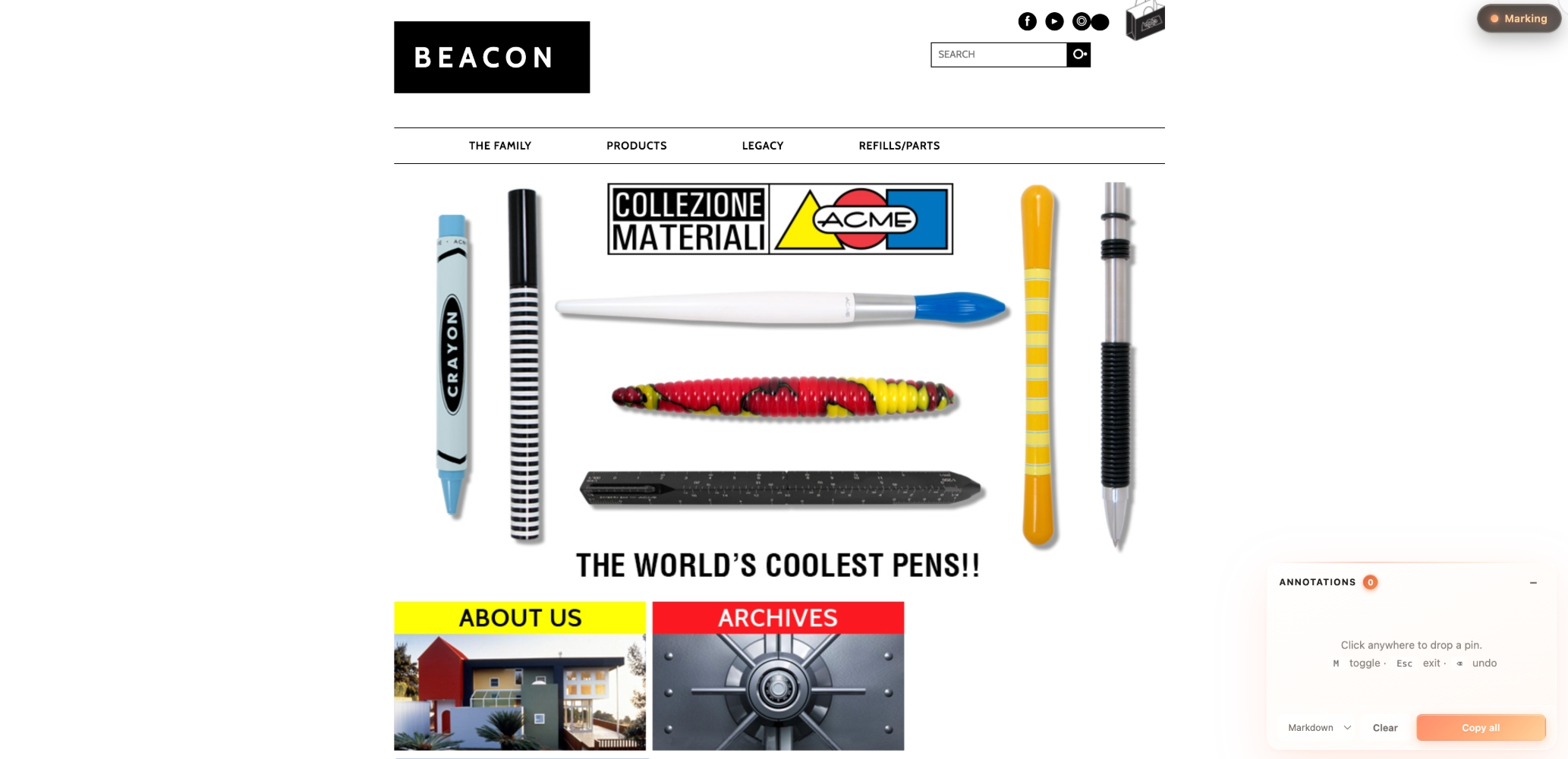
**Annotate** — every click drops a coral-gradient pin and opens an inline note popup. Press `Enter` to save, and the pin gains a small coral dot indicating "has note." Notes accumulate in the side panel; "Copy all" exports them as Markdown / Plain / JSON.
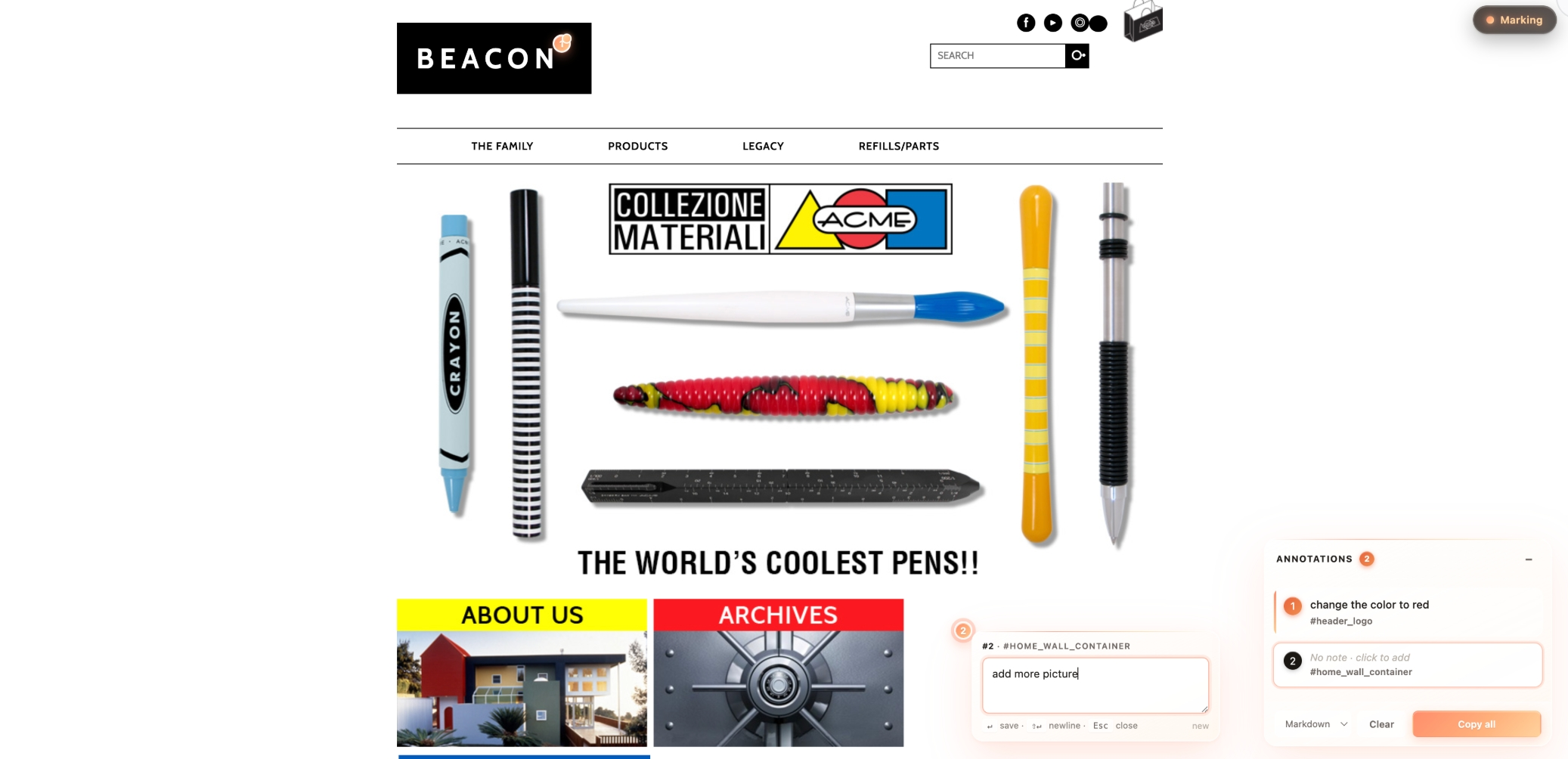
The copied output (Markdown) you'd paste into Notion / Linear / Lark:
```markdown
**1.** change the color to red
<sub>#header_logo · `#header_logo`</sub>
**2.** add more picture
<sub>[data-mm-label] · `[data-mm-label]`</sub>
```
## When to invoke
Trigger this skill when:
- The user wants to add review-style annotation capability to an HTML prototype (design mockup, Figma export, static page).
- The user is preparing to do design review: click → write feedback → copy → paste to PM / designer / engineer.
- The user wants a bookmarklet they can run on any web page to pin-annotate it.
**Trigger keywords** (both English and 中文 should fire):
- English: "add html-mark", "add mark mode", "add annotation pins", "click annotate", "let me mark up t